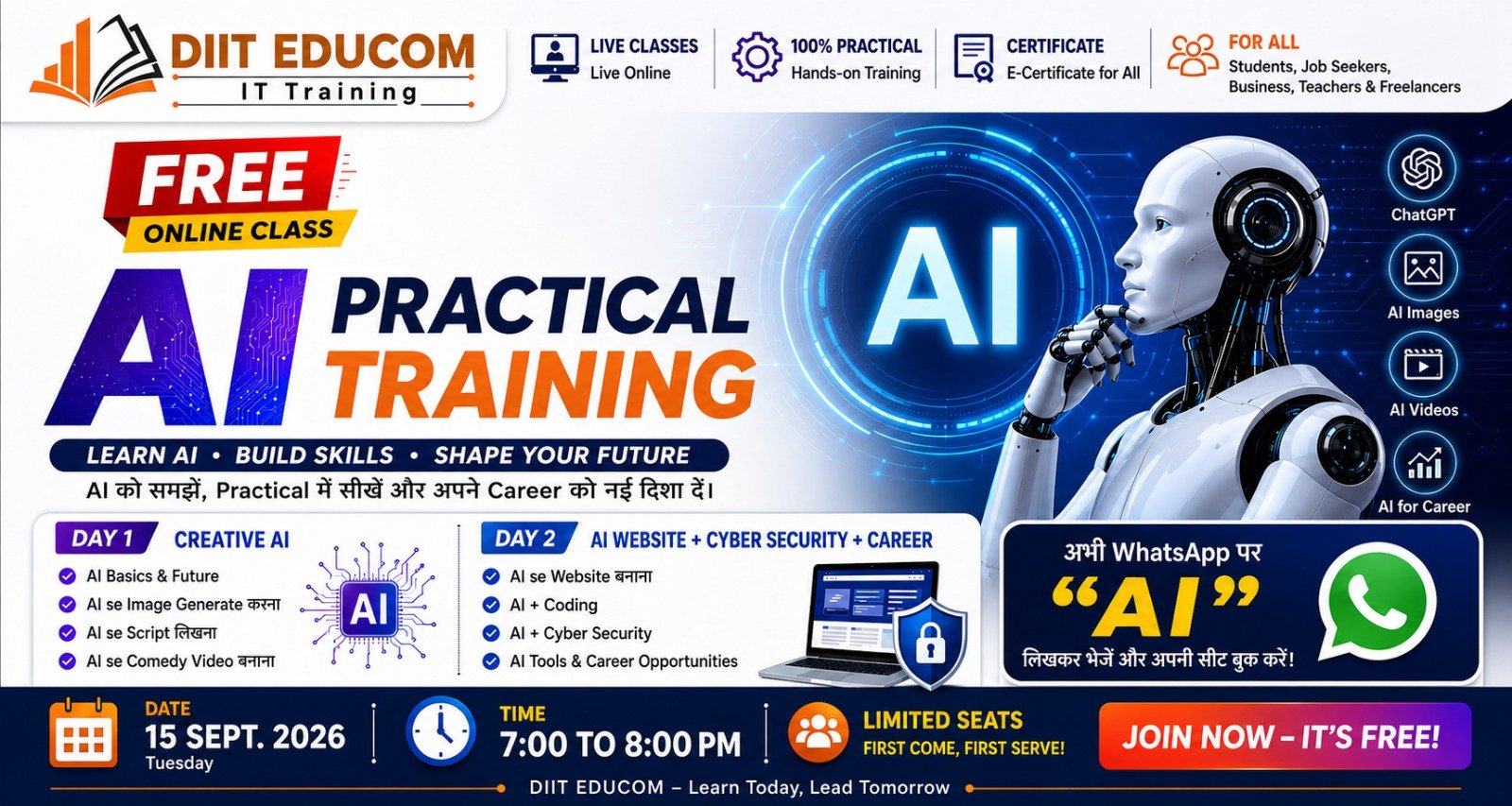
Free · 2-Day Hands-On Workshop

Stop watching AI.
Start building with it.

Two days, ten hands-on modules, one AI startup you build yourself. By the end you won't just know what AI is — you'll make images, write scripts, produce videos, spin up websites, debug code, and spot online scams.

By the last session, you'll be able to say:

I can generate images, write scripts, make videos, start building websites, get AI's help with coding and debugging, and recognise the basic ways to spot cyber threats.

That's the difference between a lecture and a workshop.

Day 1

Discover & Create

Meet AI properly, then use it to make your first images, scripts and a short video.

01

What is AI, really?

How AI works, how it differs from traditional software, what generative AI is, and where tools like ChatGPT and Gemini fit — plus the honest limits and responsible use.

Try live Ask me 5 questions about myself, then build my AI learning profile from my answers.
02

The future of AI

How AI is reshaping education, healthcare, IT, marketing, design, security, finance and content — and the new careers opening up because of it.

Try live I'm studying [your course] and I'm interested in [field]. Given where AI is heading, which 5 skills should I learn?
03

Generate images with AI

Text-to-image explained: subject, style, lighting, background and aspect ratio. Then you design your own training poster.

Try live Create a professional futuristic AI classroom with 50 Indian college students, modern computer lab, cinematic lighting, realistic photography, wide 16:9 composition.
04

Write scripts with AI

Reels, ads, short films, stories and comedy. You'll also learn follow-up prompting — refining a first draft into something sharper.

Try live Write a 60-second funny reel script where a student uses AI for the first time — strong hook, comedy in the middle, punchline at the end.
05

Make a comedy video, end to end

The full creative pipeline using different AI tools together — then build it yourself.

Idea Script Characters Images Voice Video Edit

Day 1 challenge: every team ships a 30–60 second AI comedy video.

Day 2

Build & Protect

Ship a website with AI, get hands-on with code, learn to stay safe online, and plan your career.

06

Build a website with AI

From idea to live page: prompt → UI → code → testing → improvements → deployment, iterating with AI at every step.

Try live Create a modern responsive website for an AI training institute with Home, About, Courses, Trainers, Testimonials, FAQ and Contact sections.
07

AI + coding

Use AI as a developer's assistant across HTML, CSS, JavaScript, PHP, Python and SQL — generating, explaining, optimising and debugging code.

Try live Find and fix the error in this code, and explain in simple terms why it happened.
08

AI + cyber security

Awareness and defence: phishing, password attacks, malware, social engineering, fake sites, AI scams and deepfakes — plus strong passwords and MFA.

Try live Analyse this email for phishing indicators — suspicious links, urgency, sender mismatch and other red flags. Do not click any links.
09

Plan your career with AI

Turn your education, current skills and interests into a real weekly learning plan, project list and interview-prep roadmap.

Try live I'm a student with [education] and skills in [X]. Build me a 6-month plan with weekly learning, projects and interview prep for a job or internship.
10

Deepfake & scam awareness

Learn to question what you see: is this image or video genuine? What should you verify? Who's the source? Why reverse-verification matters.

Skill unlocked: spot the red flags before you click, share or believe.

Final Mega Project

Build your AI startup

Everything comes together. In teams, you'll create an imaginary startup entirely with AI — then present it to the class.

  1. 1 Business idea
  2. 2 Business name
  3. 3 Logo & image concept
  4. 4 Website
  5. 5 Advertisement script
  6. 6 Marketing reel
  7. 7 Social media post
  8. 8 Cyber security plan
  9. 9 Business presentation

The two-day schedule

10:00 AM to 4:00 PM, both days. Short on theory, heavy on doing.

Day 1 Discover & Create

  • What is AI?Your first AI interaction
  • The future of AIPersonal career roadmap
  • Image generationDesign a training poster
  • Script writingReel / comedy script
  • AI videoScript → video workflow
  • Lunch break
  • Comedy video projectBuild a 30–60 sec video
  • PresentationShow your results

Day 2 Build & Protect

  • AI + websitePlan your website idea
  • Website buildingShip a live website
  • AI + codingCode & debugging
  • Cyber securityPhishing awareness
  • AI + safetyPrivacy & deepfakes
  • Break
  • AI careerPersonal roadmap
  • Final projectBuild your AI startup
  • Q&A + closingNext steps

Who it's for

Students and beginners who want to actually use AI — no coding background needed. Curiosity is the only prerequisite.

What to bring

A laptop if you have one, a phone, and a free account on a couple of AI tools. We'll help you set up on the day.

What you leave with

Your own poster, script, video, a started website, a career roadmap, and a full AI-built startup you presented to the room.

On completion

Certification

Finish the two days and earn an official DIIT participation certificate — proof you can build with AI, not just talk about it.

  • Recognised DIIT Educom participation certificate
  • Verifiable SRN-ID for every student
  • Add it straight to your resume & LinkedIn

Seats are limited

Two days that change how you work with AI.

Free to attend. Bring a friend. Leave building.